AI for the files your business runs on.
Draft in Word, reason about workbooks in Excel and shape decks in PowerPoint, all connected to your company workspace and its rules.
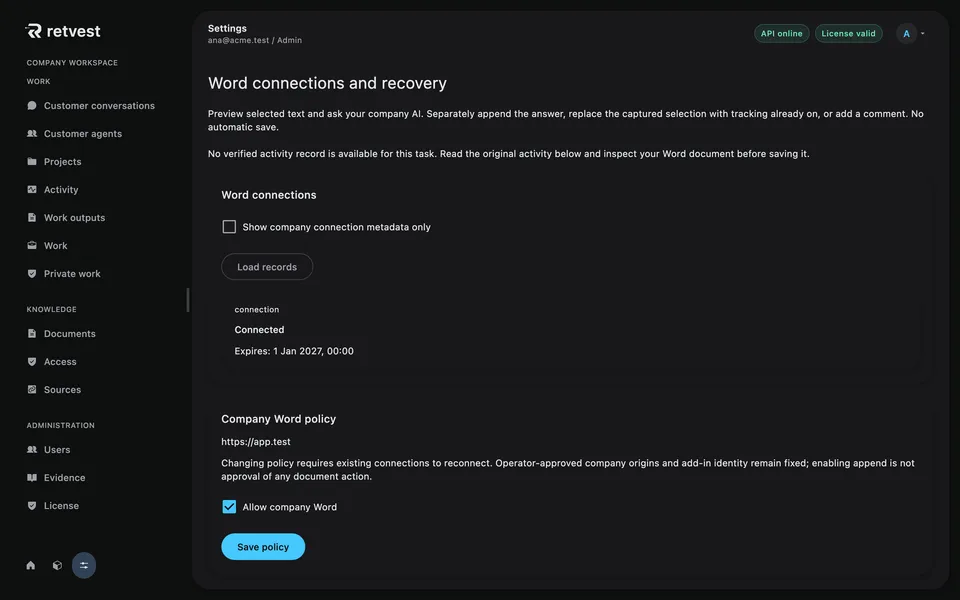
Retvest Deploy · Coming soon In development. The Office add-ins are not yet released. Ask about them for your pilot.
How it works.
-
Documents
Draft and revise around approved material. The source file is kept, and it is always clear which version is under review.
-
Workbooks
Work with structure, cells and formulas. Saved values and newly calculated results are never confused.
-
Presentations
Build a deck from an agreed brief, then review the content, the layout and the exact file you download.
A finance team builds the quarterly workbook and board deck from approved figures, then reviews both before anything is shared.
On the record.
The file and version, the change requested, the output and the reviewer. Switching to another open file never quietly changes what a task works on.
How Deploy Work Run records workGo further.

Explore this Deploy workflow.
Read about the workflow’s scope and permissions in the Retvest Deploy preview.